Pushups widgets on your iPhone
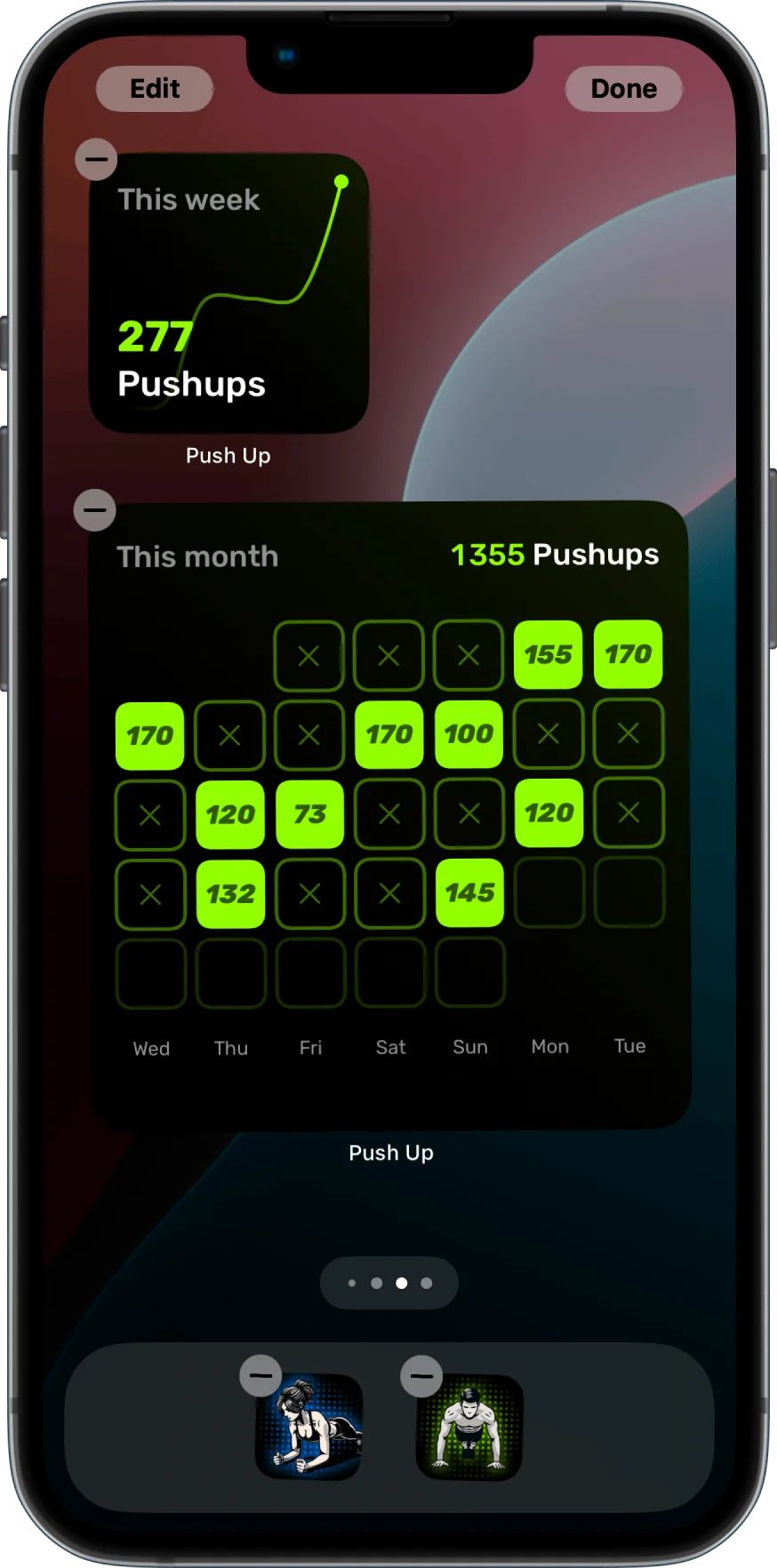
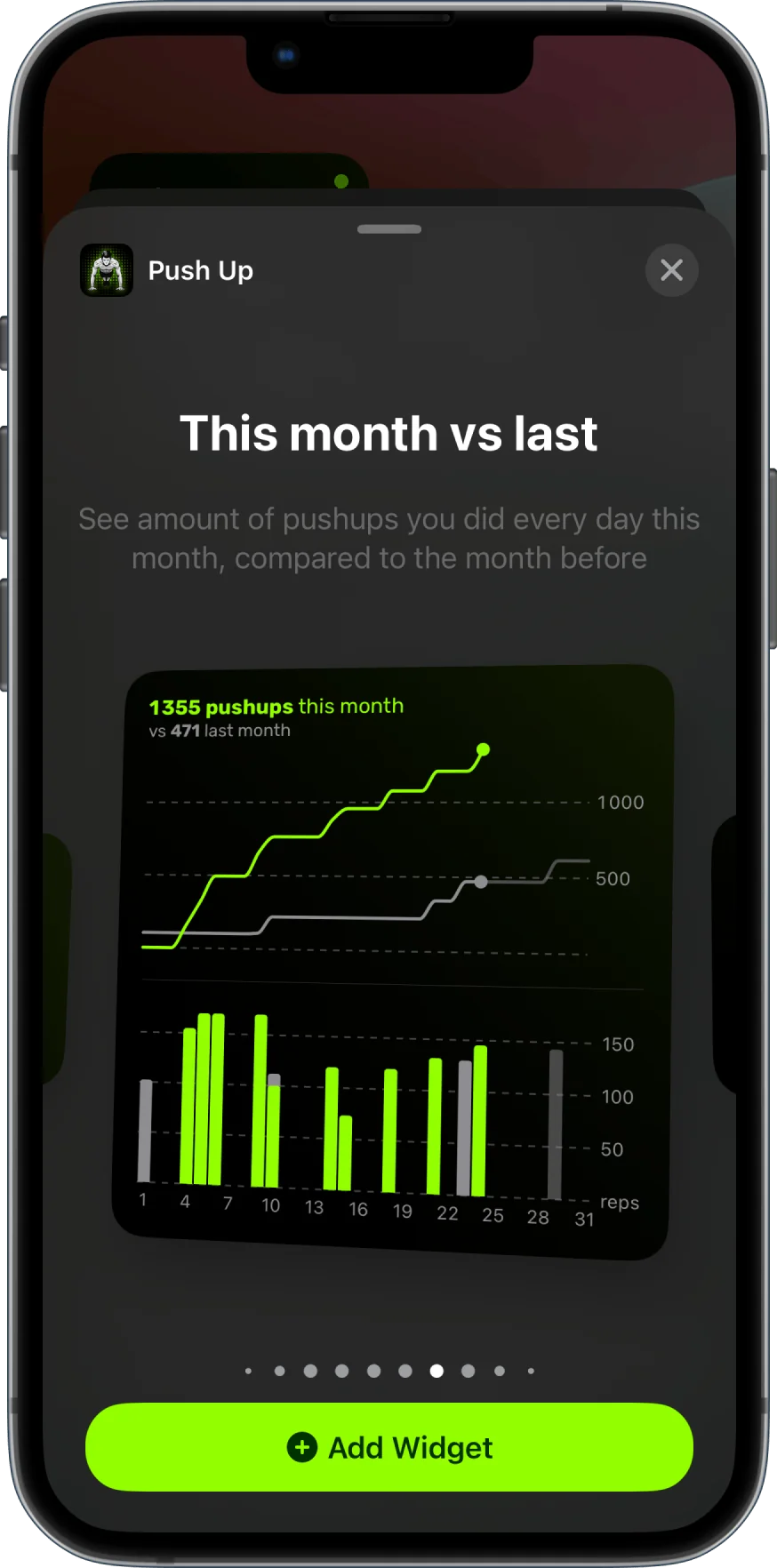
With 30+ widgets, you get charts and metrics about your workouts at a glance on your Home Screen, Lock Screen, or Today View.
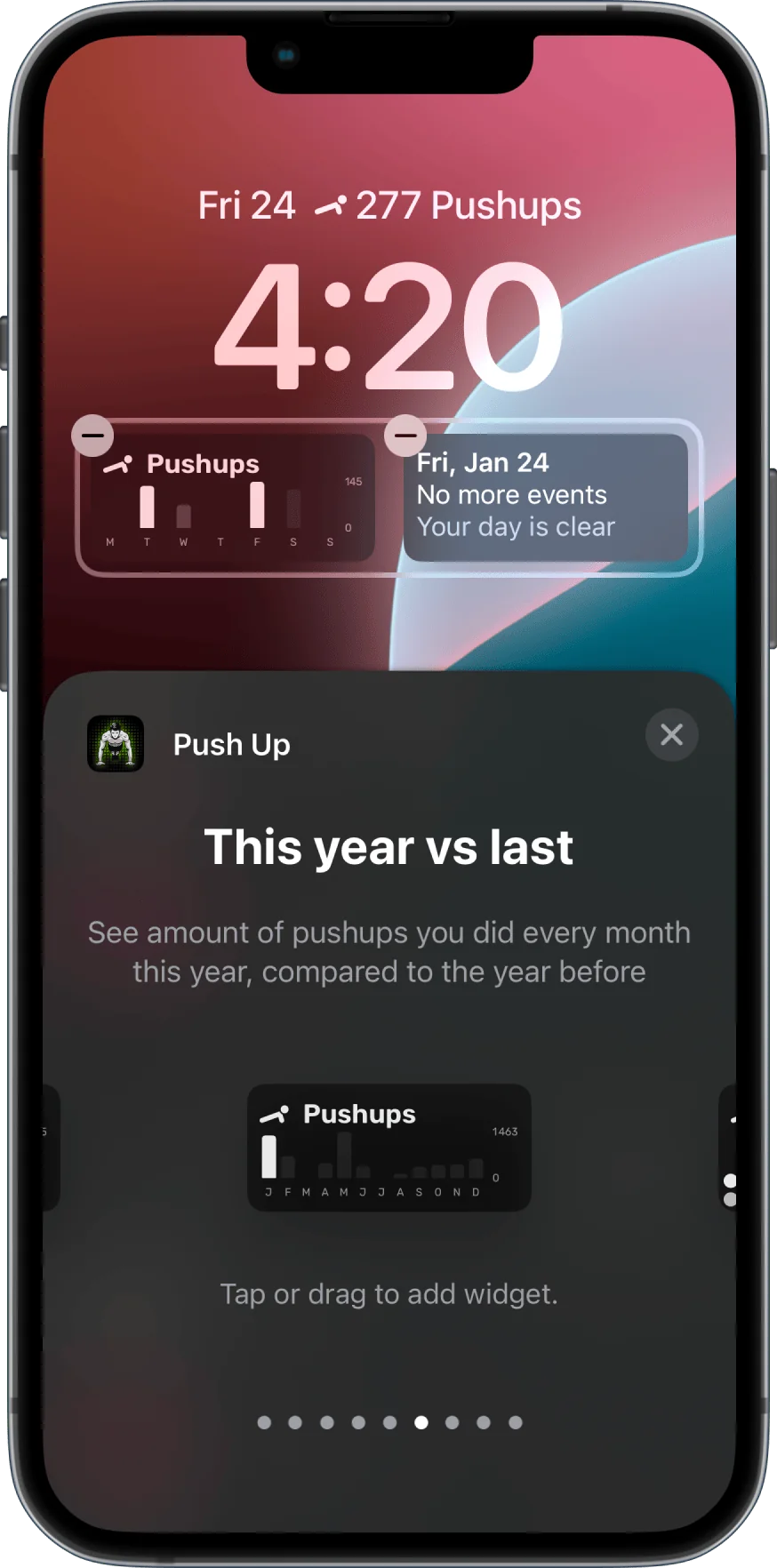
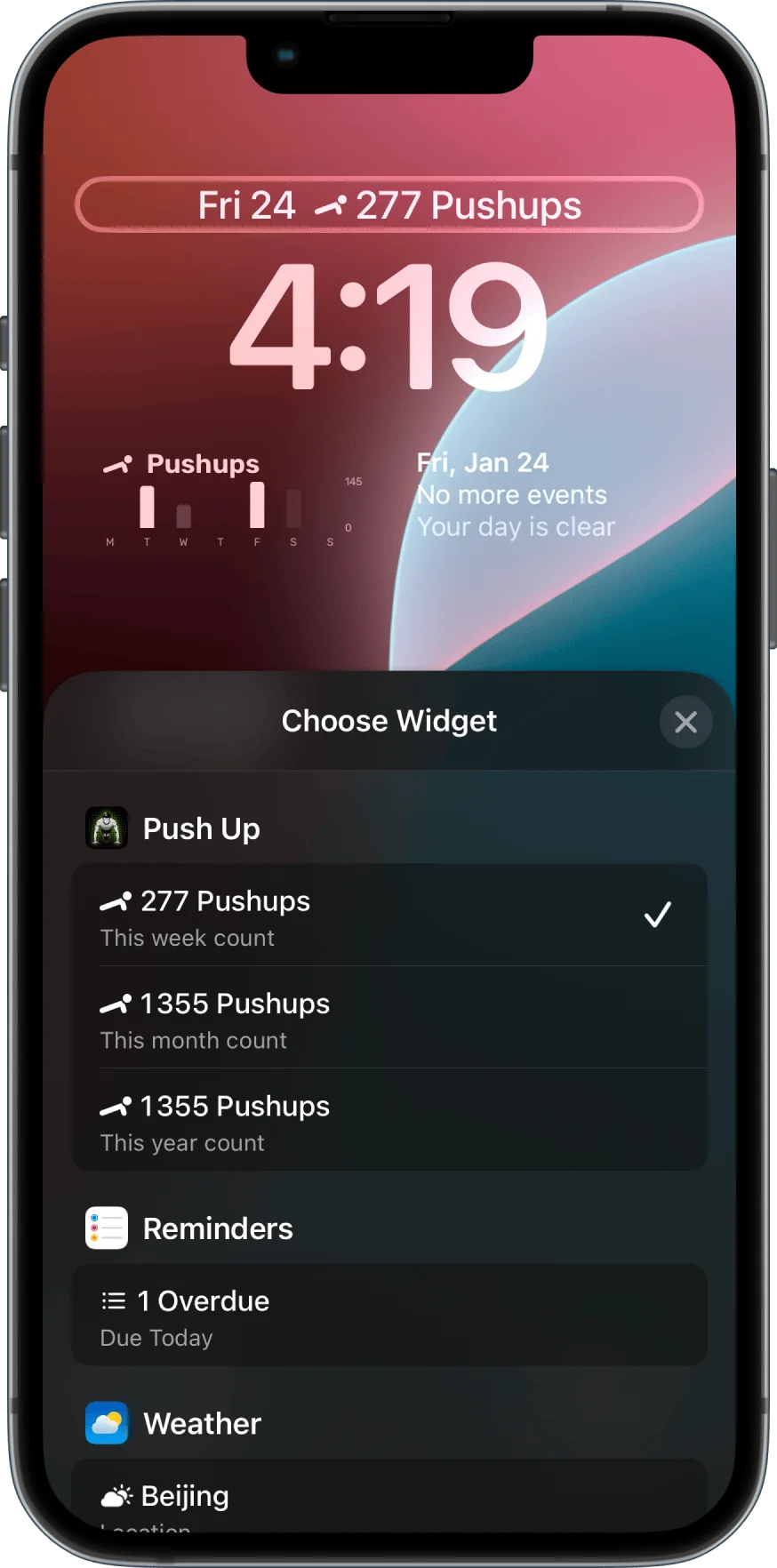
How to add widgets to your Lock Screen
- From the Home Screen, touch and hold a widget or an empty area until the apps jiggle.
- Tap Edit in the upper-left corner.
- Tap Add Widget.
- Scroll to the push up app in the apps list and tap it.
- Select a widget, choose a widget size, then tap Add Widget.
- Tap Done.
How to add widgets to your Home Screen
- From the Home Screen, touch and hold a widget or an empty area until the apps jiggle.
- Tap Edit in the top left-hand corner.
- Tap Add Widget.
- Select a widget, choose a widget size, then tap Add Widget.
- Tap Done.